
An AI-native multi-agent workbench
npm install -g @tenonai/yew

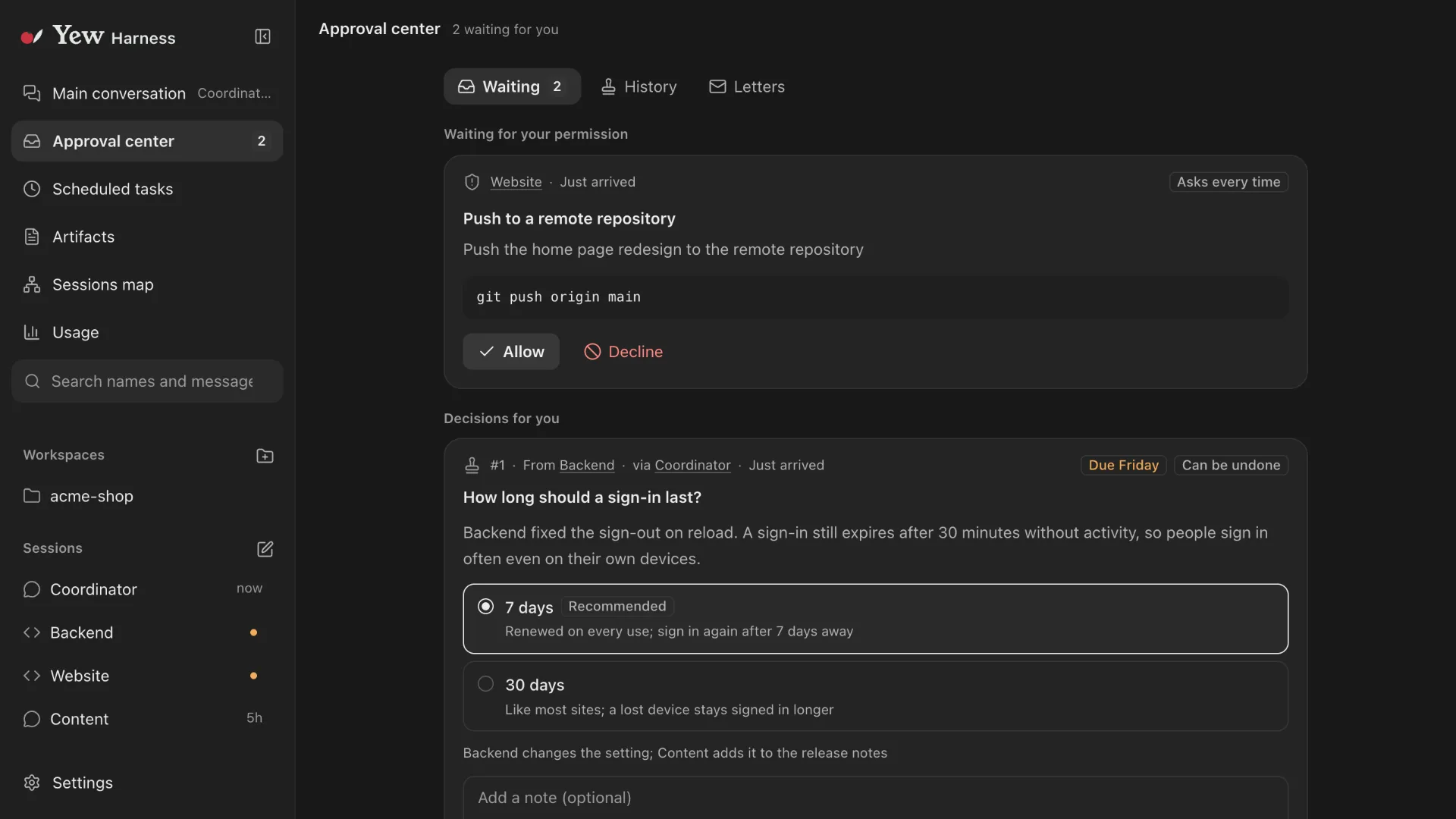
Born for Session Engineering
Built on the idea and tuned for it throughout.
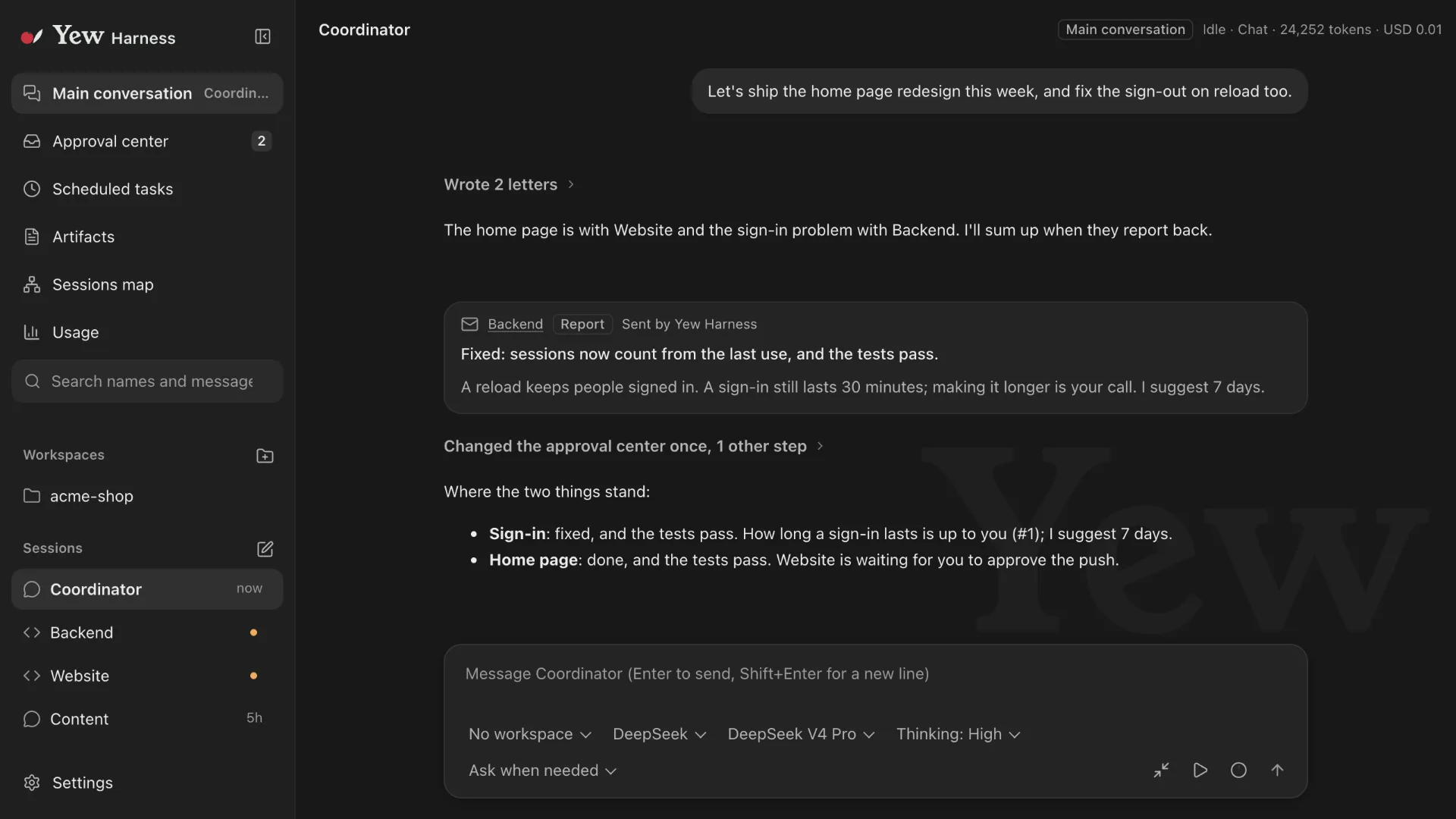
Multi-agent collaboration done well
Agents talk through A2A, an asynchronous mailbox, and you hardly notice it happening.

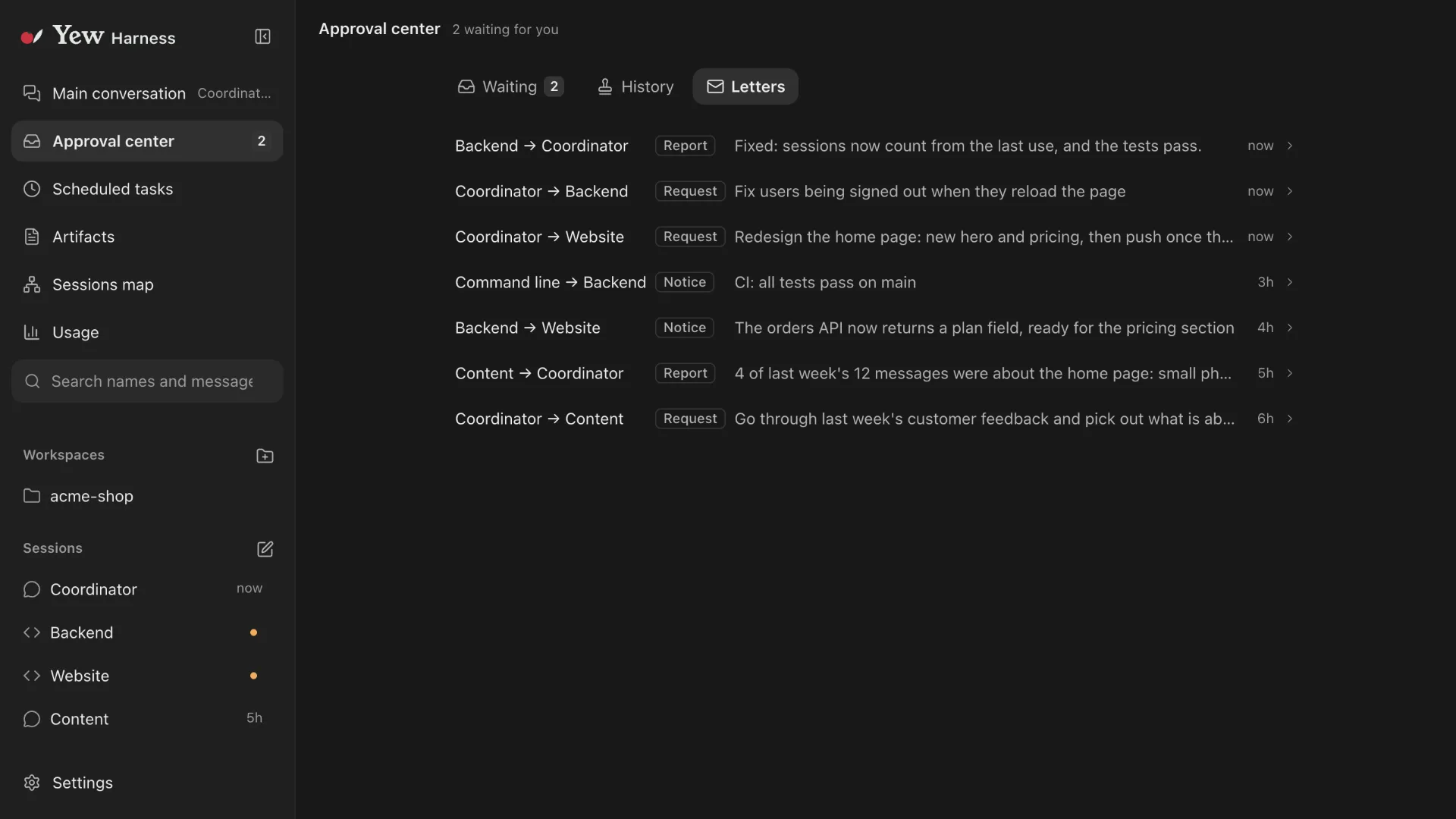
Take the boss’s chair for real
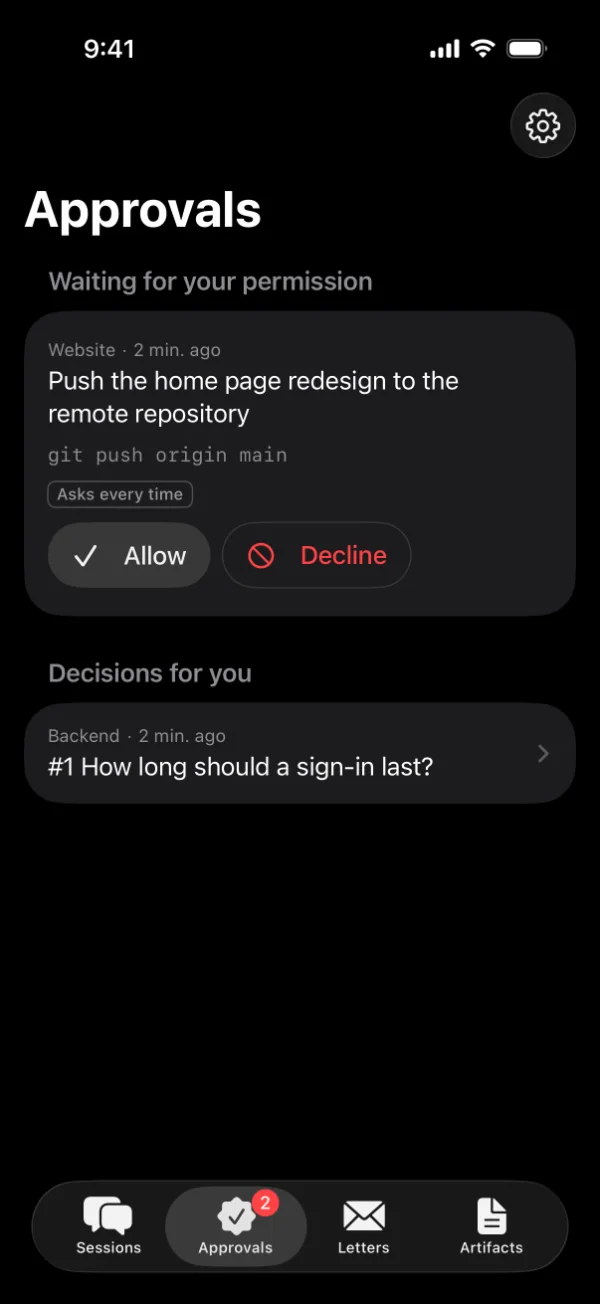
Approvals and decisions all sit in the approval center, and only your actions carry real authority.

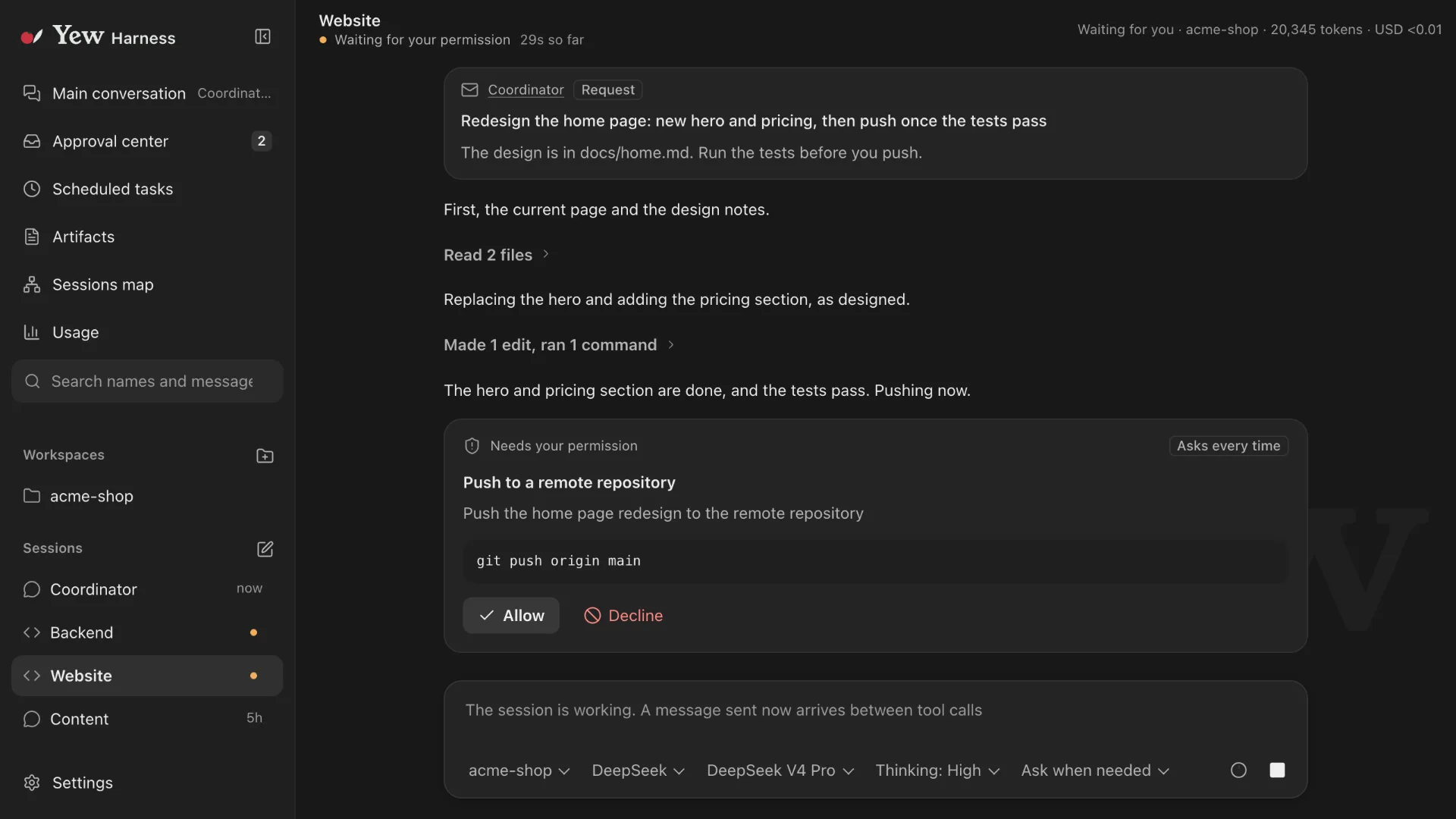
Anywhere, anytime, off the desk
Approve from your phone. Away from the computer, approvals and decisions still get handled.

Your choice of model
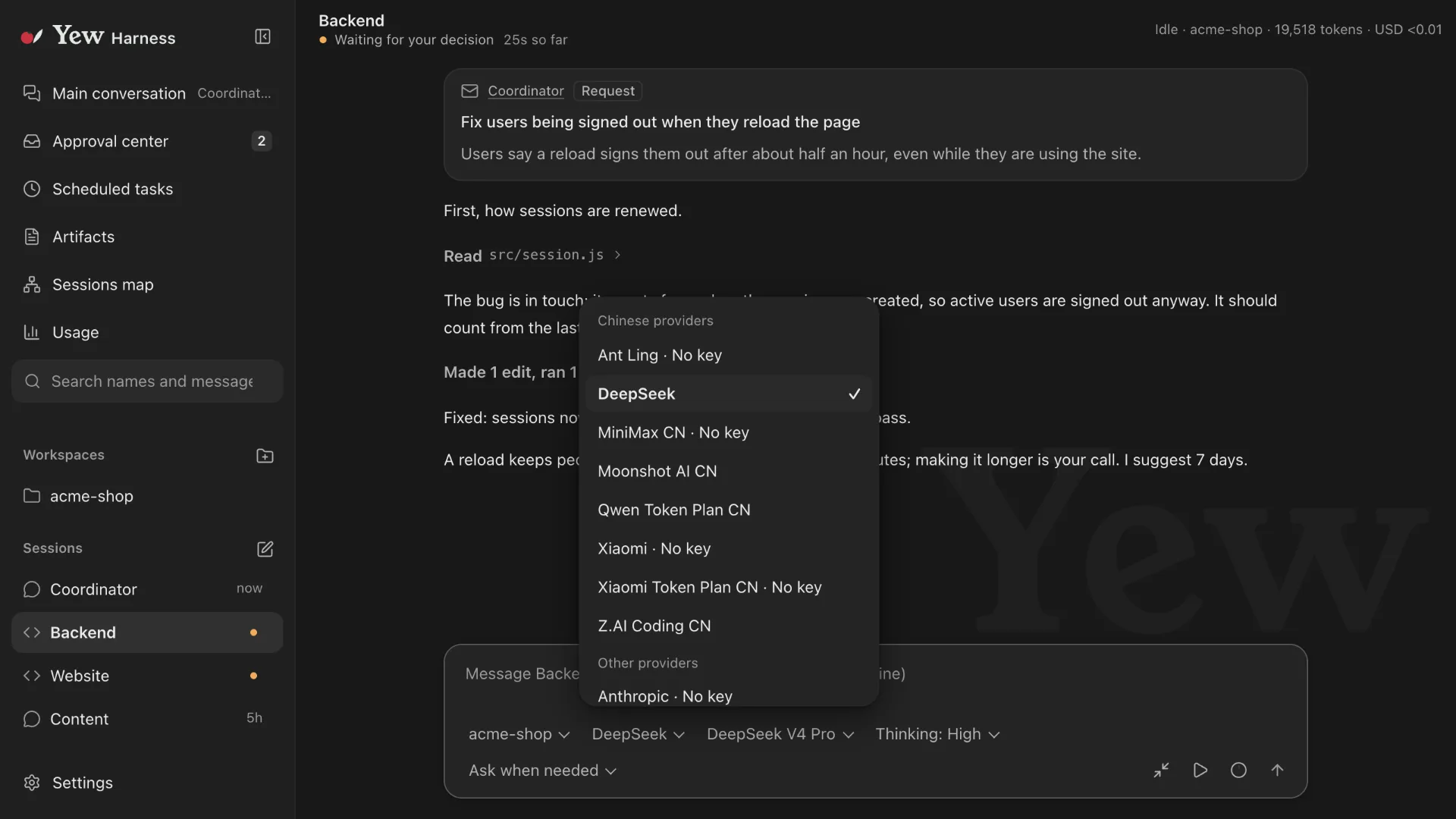
Model access is built on the open-source pi-ai library, with a huge range of model providers supported.
See what needs you at a glance
Yew says the one thing that matters most right now: what is waiting for you, or which session failed or finished. One click takes you there.
Good morning!2 things are waiting for you
Android app
Yew Harness on your phone connects only to Yew Harness on your own computer: the computer shows a QR code, the phone scans it to pair, and from then on you read sessions and handle the approval center on the phone. The installer (apk) is on the GitHub and Gitee Releases pages, signed by Tenon Artificial Intelligence Technology Co., Ltd. (the certificate shows the former English name of the company, Changsha Tenon Artificial Intelligence Technology Co., Ltd.)
SHA-256 fingerprint of the signing certificate
9F:F5:6E:EA:A8:3C:DC:01:BA:66:D8:79:23:9C:DE:5A:2A:69:C3:AE:D2:60:5C:D8:E1:B9:34:8D:BF:28:61:B2Check it with apksigner verify --print-certs or AppVerifier. If an update makes the system report a signature mismatch and ask you to uninstall the old version first, do not install it; come back to this page and check the fingerprint.
An elegant, restrained interface. A smooth, effortless experience.